
Uploading, sorting and deleting photos
Good photos are the most important part of your listing. Here is how to upload new photos, choose your cover photo and delete photos you no longer need. Click the images below to enlarge them.
1. Open your listing for editing
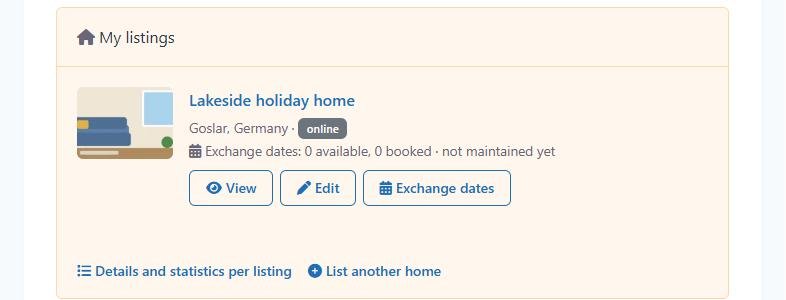
Log in – you will land on your Dashboard. Under My listings, click Edit next to the listing you want to change.
2. Upload photos
Scroll down the form to the Images field. Drag your photos into the area “Drop files here” – or click Select Files. You can select several photos at once; on a phone, your photo gallery opens.
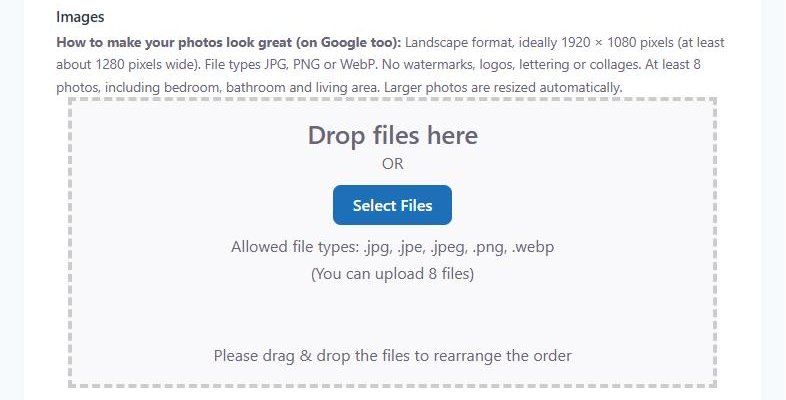
JPG, PNG and WebP are allowed. Large photos are resized automatically.
3. Change the order, choose a cover photo, delete photos
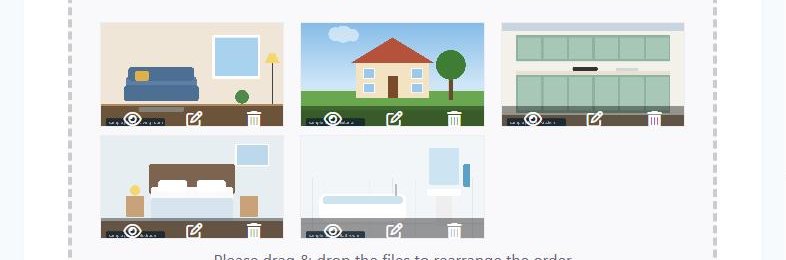
- Order: drag a thumbnail with the mouse to the position you want.
- Cover photo: the first photo appears in the list of listings and at the top of your listing page – choose a bright, inviting picture.
- Delete: click the bin icon on the thumbnail.
- View: the eye icon shows the photo in full size.
4. Save
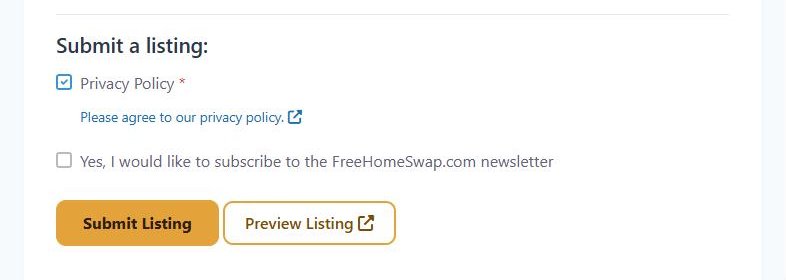
Click Submit Listing at the very bottom of the form. Only then are your changes saved.
You will then see the message “Update received, your changes may need to be reviewed before going live.” We briefly check your changes and then publish them – until then, visitors still see the previous version.

How many photos can I upload?
- Standard listing (free): up to 8 photos
- TOP listing (EUR 28 a year incl. VAT in Germany): up to 20 photos – plus preferred placement, highlighted display, a description of up to 5,000 characters and a link to your own website
To switch to a TOP listing: Dashboard → My Listings → three dots → Upgrade. More about this in Paying for a TOP listing.
How to make your photos look great
- Landscape format, ideally 1920 × 1080 pixels (at least about 1280 pixels wide)
- At least 8 photos: outside view, living area, kitchen, every bedroom, bathroom, balcony or garden – and the surroundings, too
- Take photos in daylight, tidy and straight
- No watermarks, logos, lettering or collages
← All help topics · Still have questions? Contact us